Darktable tutorials for photographers migrating from Lightroom. Free, powerful, and yours forever.
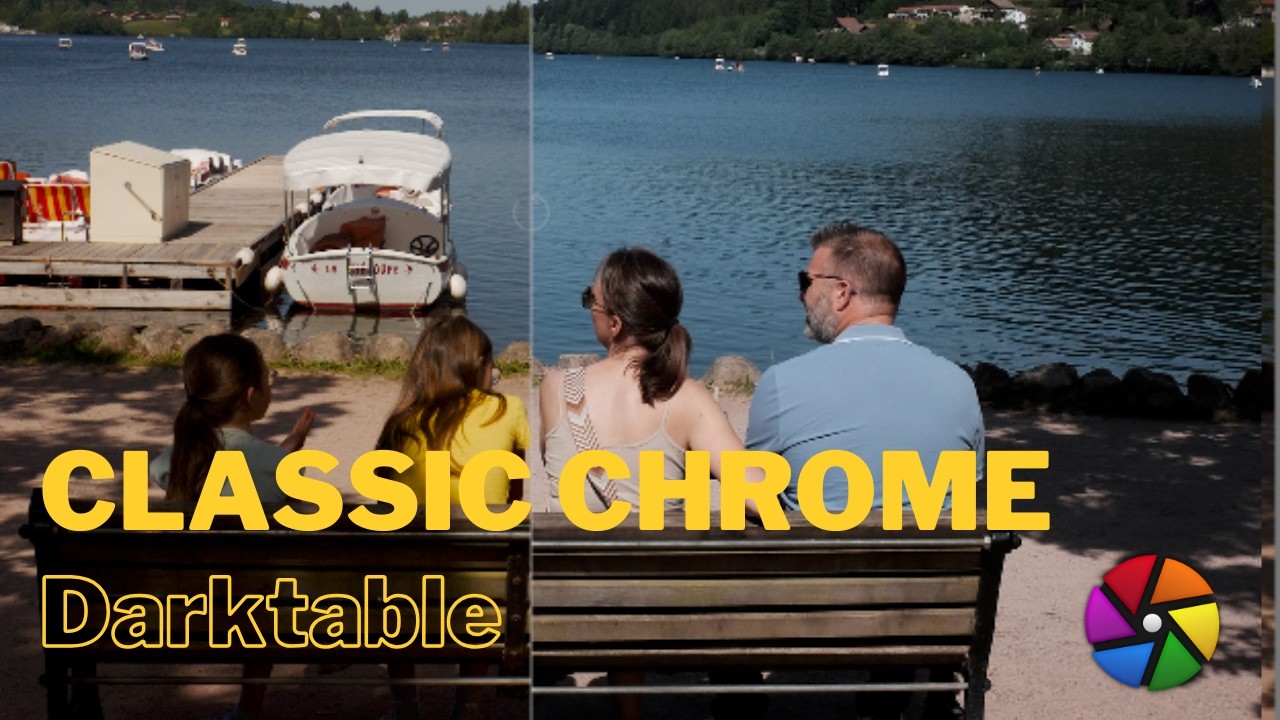
Fuji Classic Chrome in Darktable — no LUT, no plugin
Watch the full tutorial What is Classic Chrome? Classic Chrome is Fujifilm’s most distinctive film simulation — a slightly cool, desaturated look that evokes magazine photography from the 1980s and 90s. It’s not based on a real film stock but draws inspiration from Kodak chrome slide film. The result is immediately recognisable: muted greens, cooler reds, retained blues, and slightly compressed highlights that give bright areas a matte quality. ...
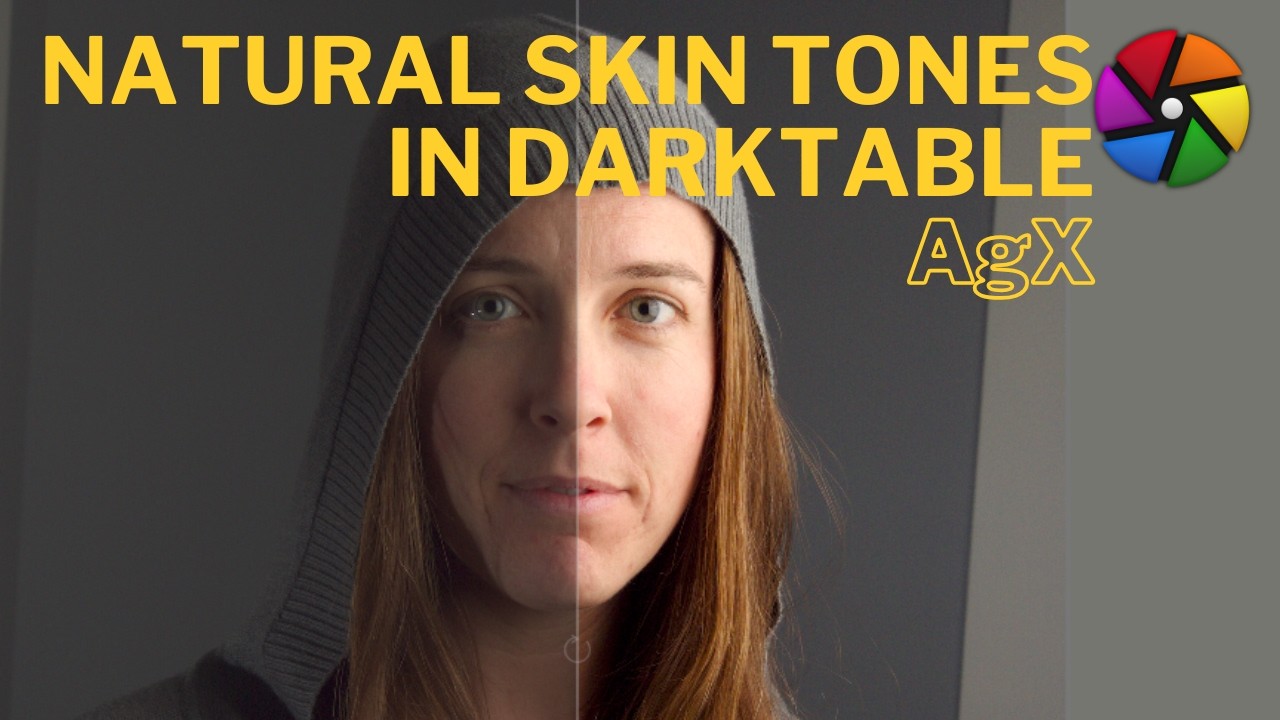
Natural Skin Tones in Darktable (AgX) — The Open Source Portrait
Watch the full tutorial The Problem: Orange Skin in Darktable One of the most common complaints from photographers migrating from Lightroom is that skin tones in Darktable drift orange — and if you push further, they shift toward magenta. It’s not a flaw in Darktable, it’s a calibration and workflow issue. This tutorial walks through exactly how to fix it. ...

Why Your Darktable Exports Look Wrong on Instagram — and How to Fix It
Watch the full tutorial The Problem: Why Darktable Exports Look Wrong on Instagram You’ve spent time tweaking your image in Darktable — colour grading, a Classic Chrome simulation, careful exposure work — and then you export and upload to Instagram. And it looks terrible. Washed out, wrong colours, nothing like what you saw on screen. ...
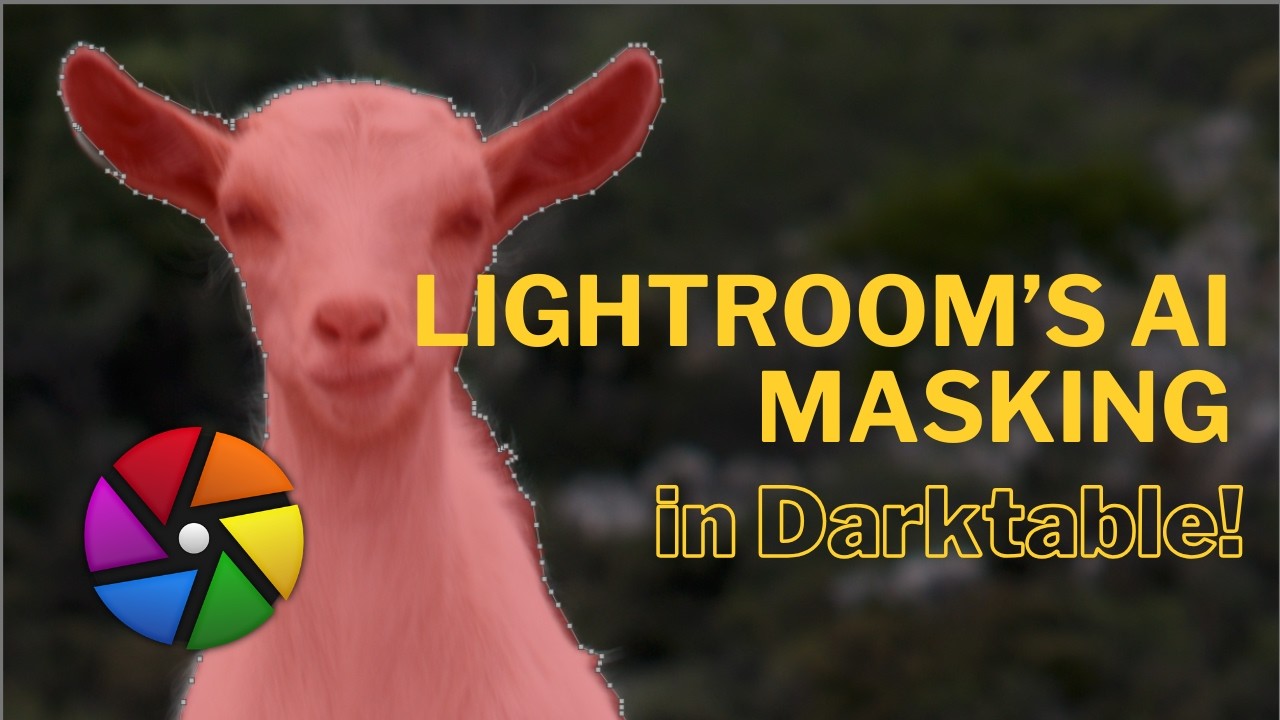
Darktable 5.6 AI Object Masking: The Lightroom Killer Feature?
Darktable 5.6 shipped what might be its most impactful feature yet for photographers migrating from Lightroom: AI-powered object masking. No subscription, no cloud, just open-source AI running locally on your machine. What is AI Object Masking? The new masking system uses SAM 2.1 and SegNext to detect and isolate subjects automatically — click on something and Darktable figures out the rest. How it compares to Lightroom Lightroom’s AI masking has been a major reason photographers hesitate to switch. This closes that gap significantly. ...
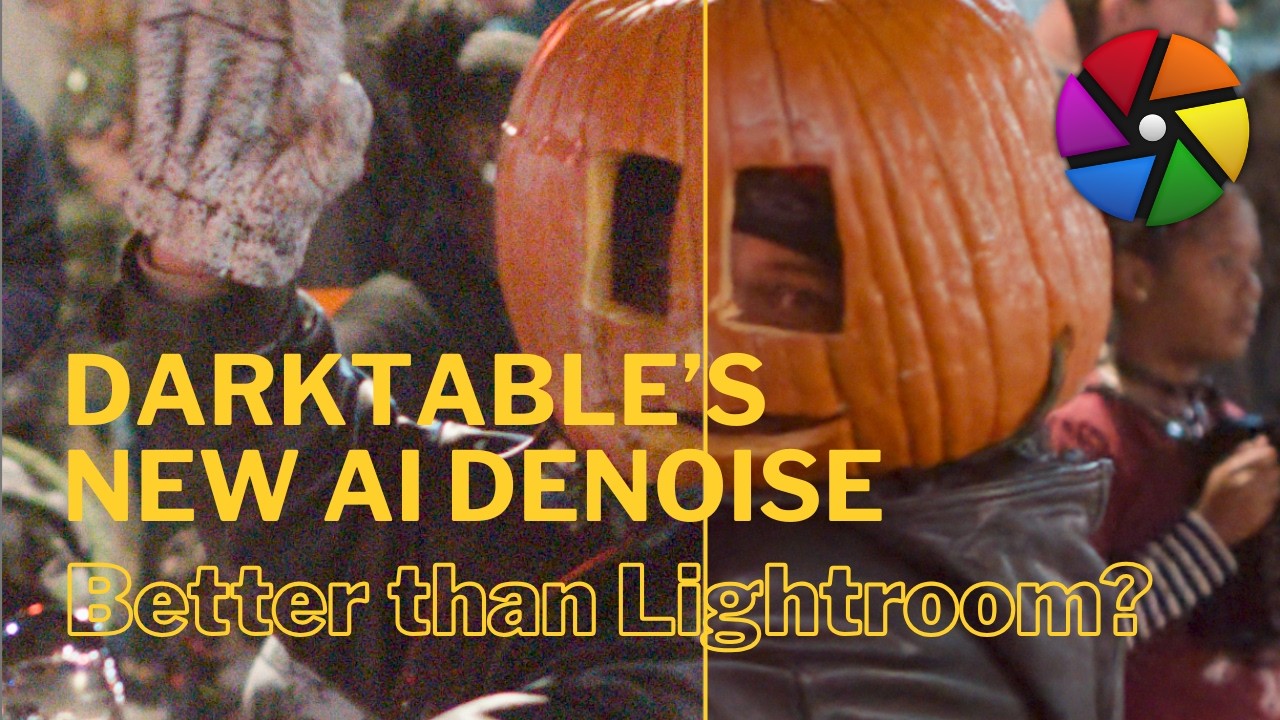
Darktable Neural Restore Denoise and Upscale Tutorial
Watch the full tutorial What is Neural Restore in Darktable 5.6? Darktable 5.6 introduces Neural Restore, an AI-powered denoising system that works fundamentally differently from the traditional denoise modules. Rather than operating within the processing pipeline, it functions as a plugin that generates a brand new DNG file — clean from the sensor data up. If you’re coming from Lightroom, think of it as the equivalent of Lightroom’s AI Denoise button, which also generates a new DNG. ...
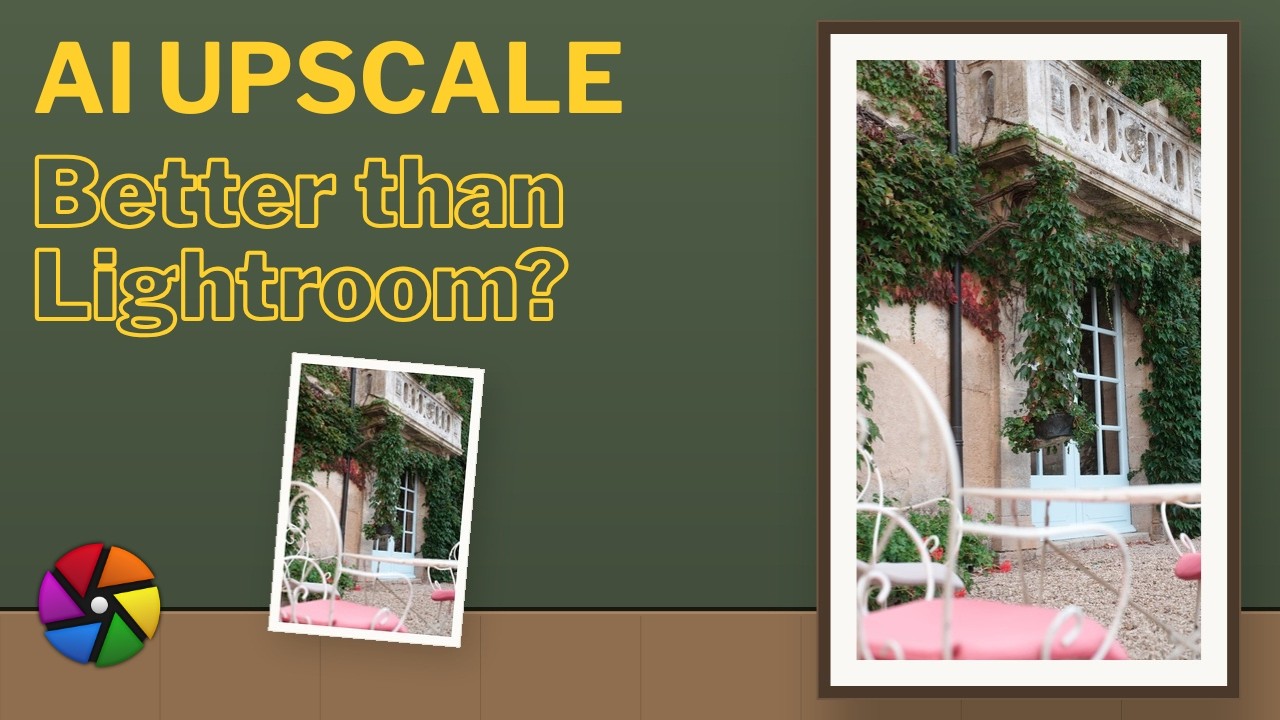
Darktable Neural Restore Upscale Tutorial
Watch the full tutorial What is AI Upscaling in Darktable 5.6? Darktable 5.6 completes its AI trilogy — alongside AI masking and AI denoising — with AI upscaling. This feature goes directly head-to-head with Lightroom’s Super Resolution, letting you increase the megapixel count of your image with a single click, entirely free and open source. ...